 Dinky
Dinky
Dinky vs HandBrake
HandBrake is for when you need every encoder knob. Dinky is for “just shrink this MP4”—and stills, audio cross-converts, or PDFs in the same app when you want one pile of files handled.
Choose HandBrake for full video production control
When you need track-level authoring, fine-tuned encode settings, and a queue built for long-form transcoding—not a quick shrink of a screen recording.
Choose Dinky for fast smaller MP4s and mixed media
When HandBrake would be overkill: drag in MP4/MOV, pick H.264 or HEVC presets—or cap FPS—and keep stills, audio conversions, and PDFs in the same tool.
| Dinky | HandBrake | |
|---|---|---|
| Primary focus | Quick smaller MP4 + images + PDFs + audio in one app | Video transcoding with broad encoder control |
| Settings depth | Presets (H.264 / HEVC, quality tiers; optional FPS cap) | Extensive options (tracks, filters, advanced encoding) |
| Still images | Yes (WebP, AVIF, HEIC, PNG, …) | No |
| Yes | No | |
| Batch on macOS | Native batch, watch folders, Quick Actions | Queue-based batch encoding |
| Processing | Local on your Mac | Local on your Mac |
| Price | Free (MIT) | Free (GPL-licensed app) |
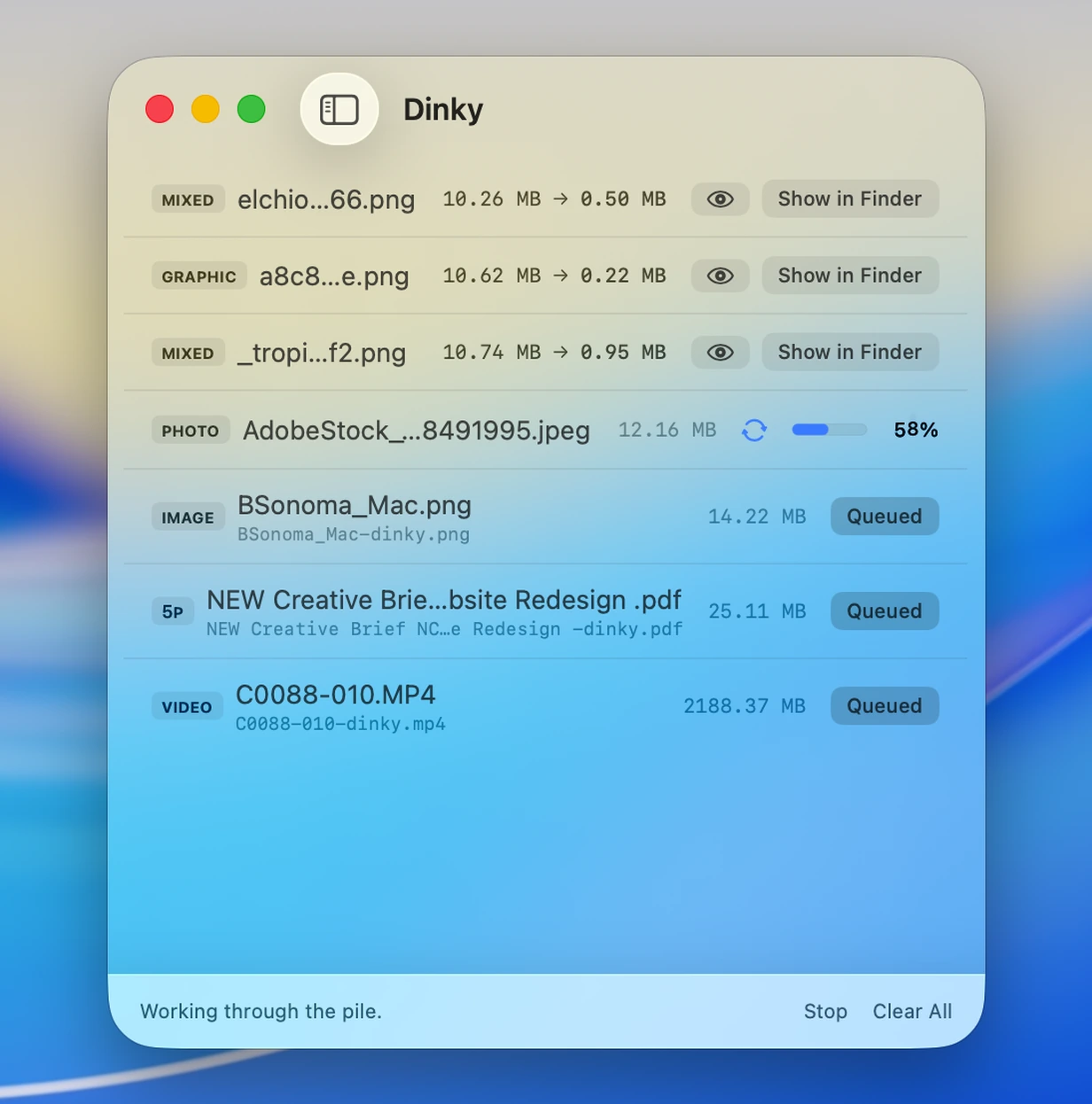
Speed over every knob
Quick MP4 presets + stills, audio & PDF
Stay in HandBrake for fine-grained encodes—open Dinky when you want simple H.264/HEVC paths, optional FPS caps, audio cross‑converts, the rest of your image polish, and PDFs in the same session.
35 MB · v2.12.0 · Requires macOS 15 Sequoia